The editing desk: Super Edit
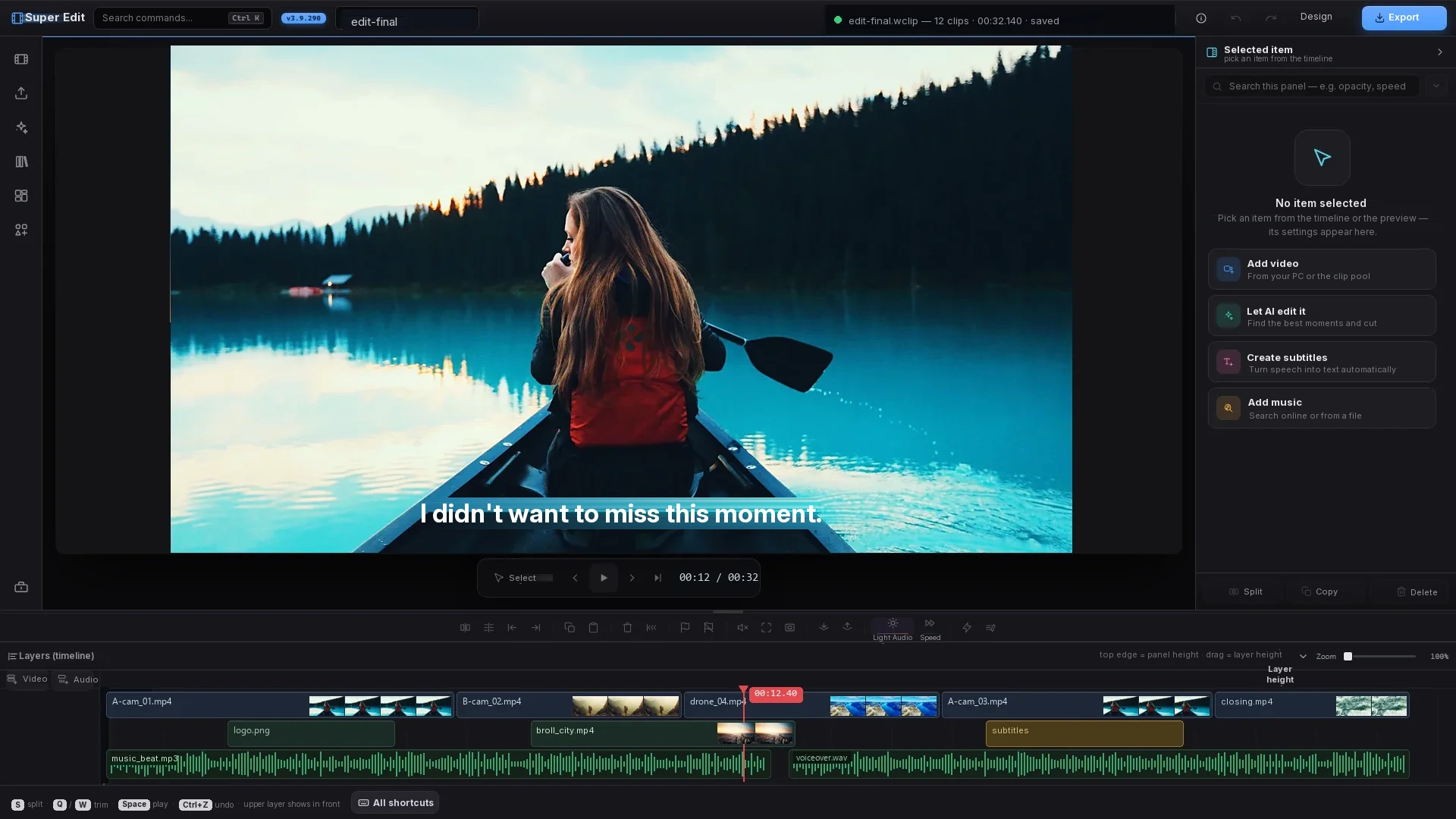
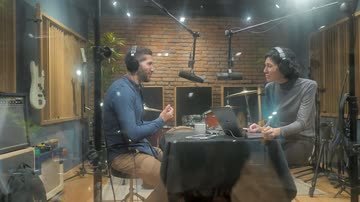
A multi-track timeline, real-time preview and hardware-accelerated rendering — the shot below comes from a real session.
The edit — let the AI do it
14 raw minutes → 3.5: the best moments are picked and the silences cut automatically.
Let it write the subtitles
Speech becomes time-stamped lines; style, position and translation are yours.
The frame finds the speaker
When a landscape video becomes vertical, the frame centres on whoever is speaking — and follows them if they walk.
 SOURCE · 16:9 OUTPUT · 9:16
 The cuts land on the beat
Musical beats are detected, and the cuts change exactly with the rhythm.
Whoever's speaking, the stage is theirs.
As a landscape podcast turns vertical, the program works out who is speaking from voice and lip movement. Single frame keeps the speaker centred; split the screen in two or three and the speaker sits on top, the listener below and the topic image at the very bottom.
the frame stayed put
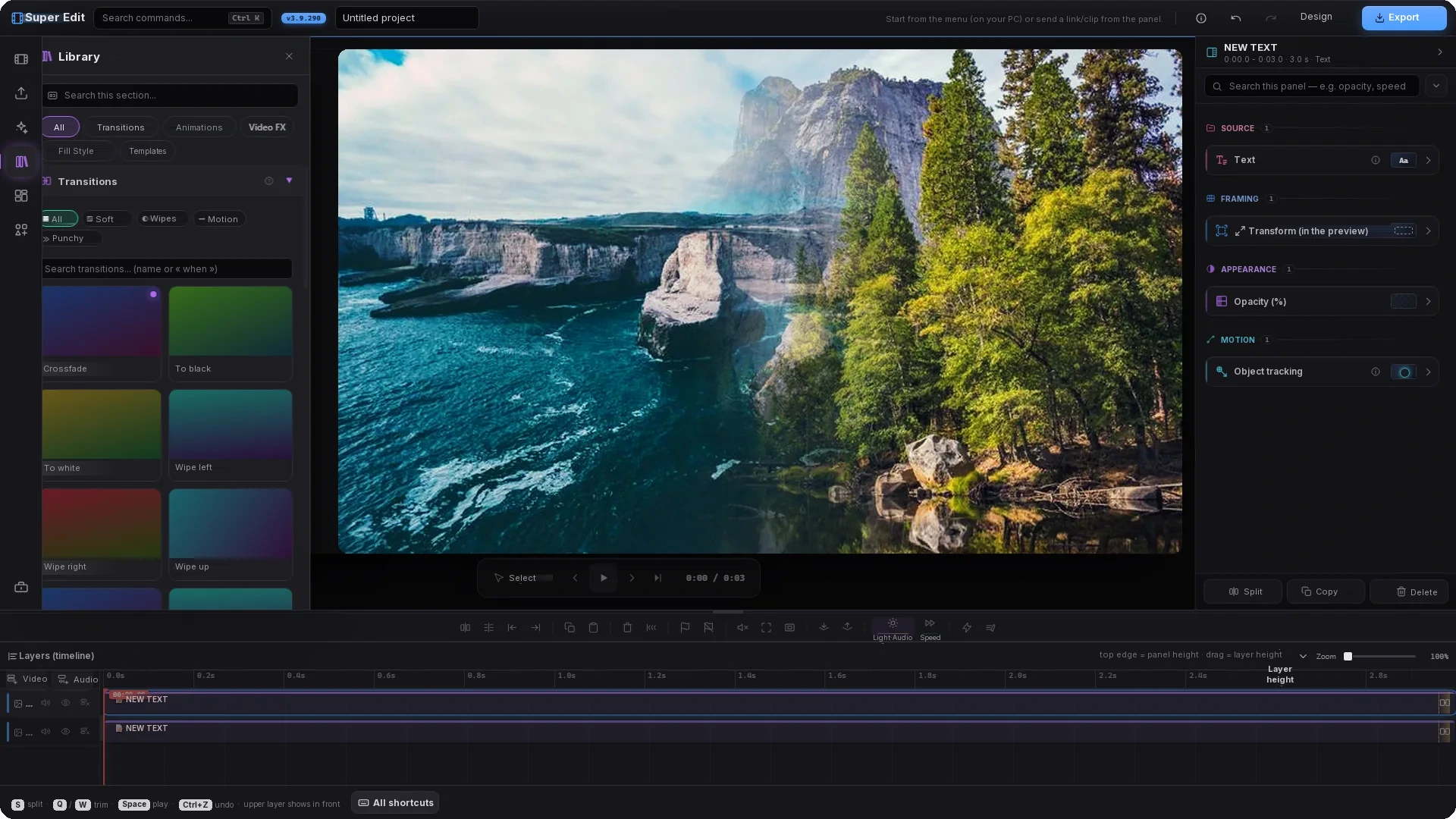
The real interface — four settings at work
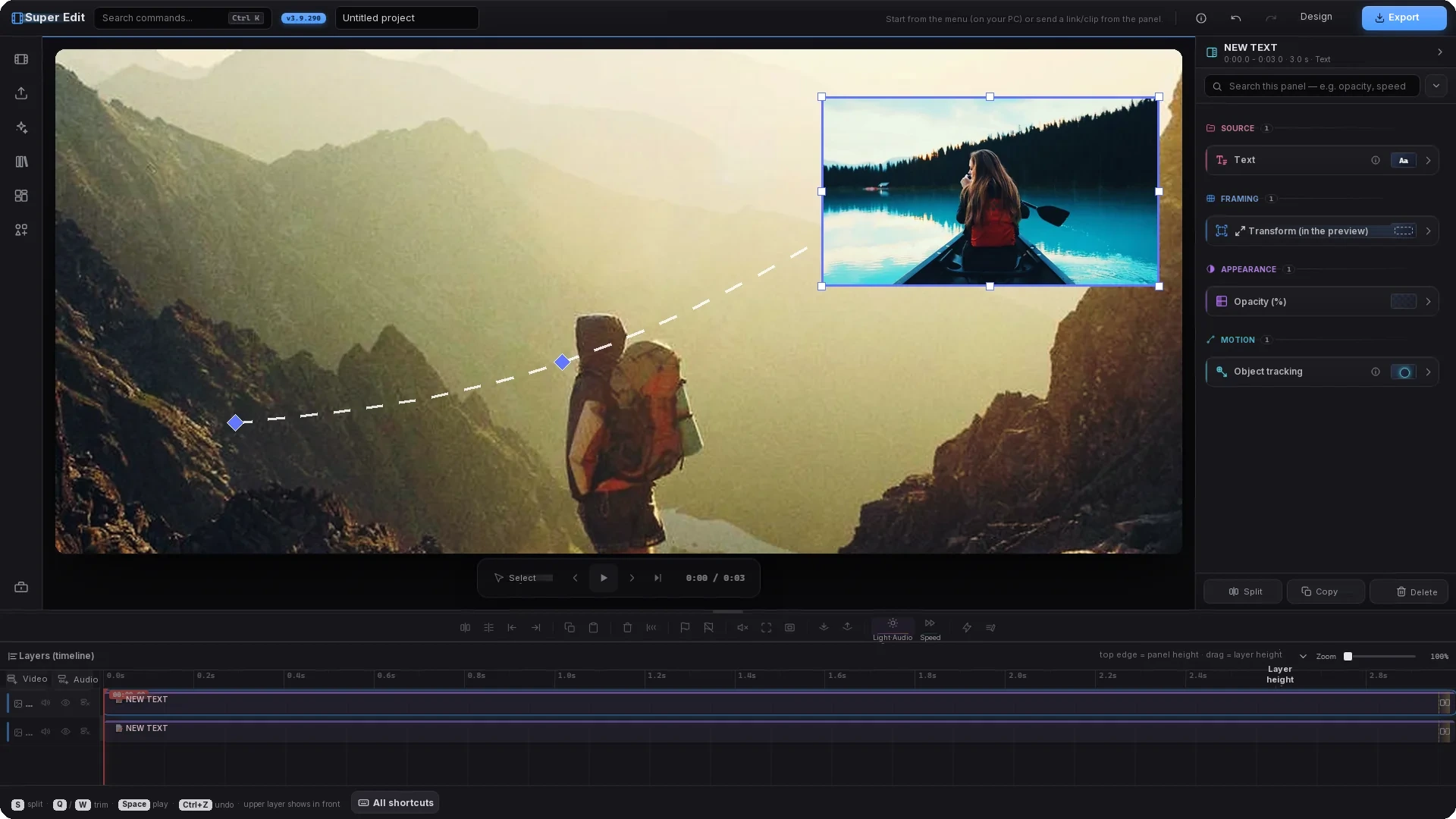
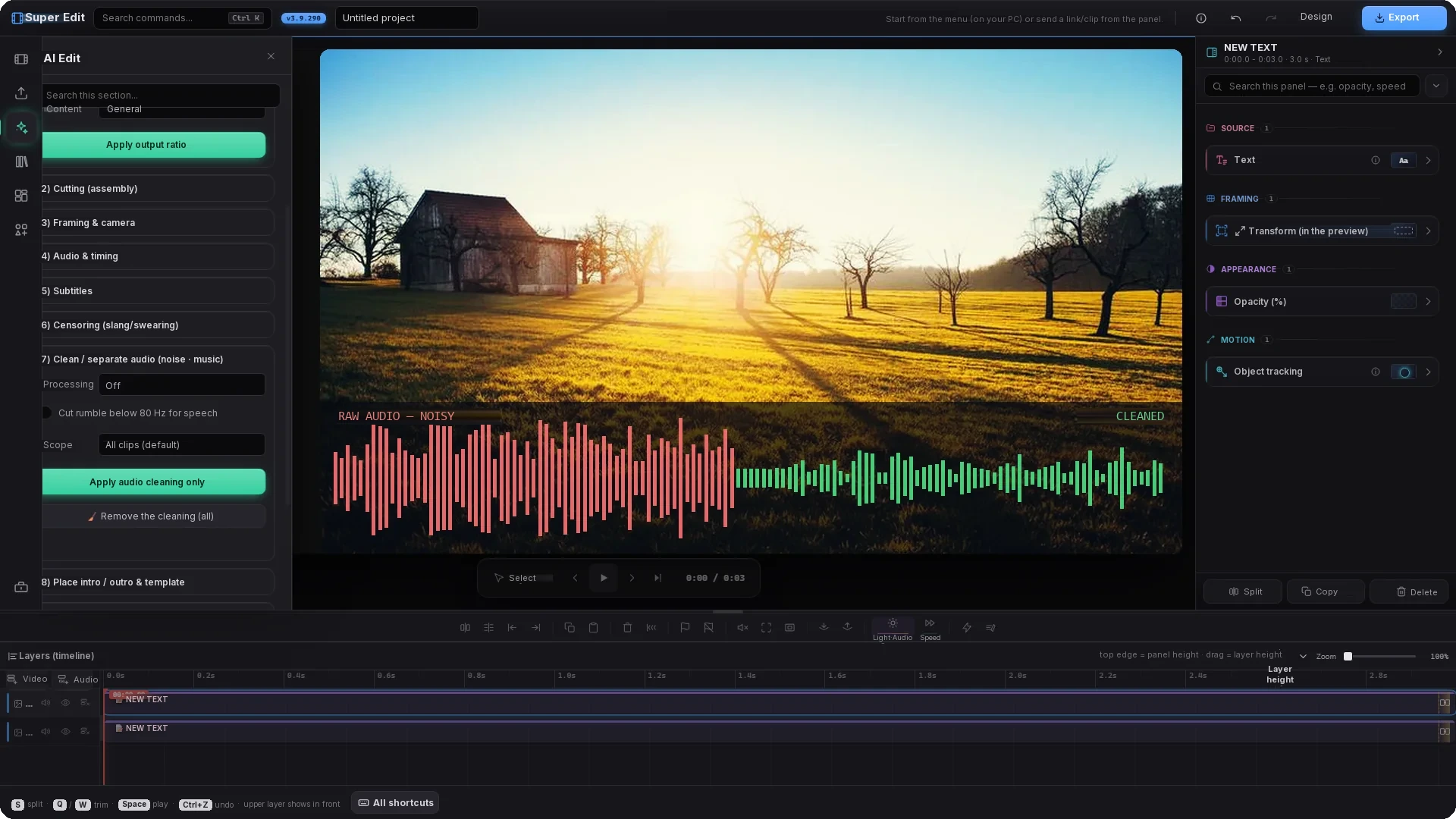
These four shots come from Super Edit itself: the panels on the left, the settings list on the right and the layers below are the real interface. The footage on the canvas is illustrative. The stills were taken in the Turkish interface and their labels were translated for this page — the app itself now has an English interface too.
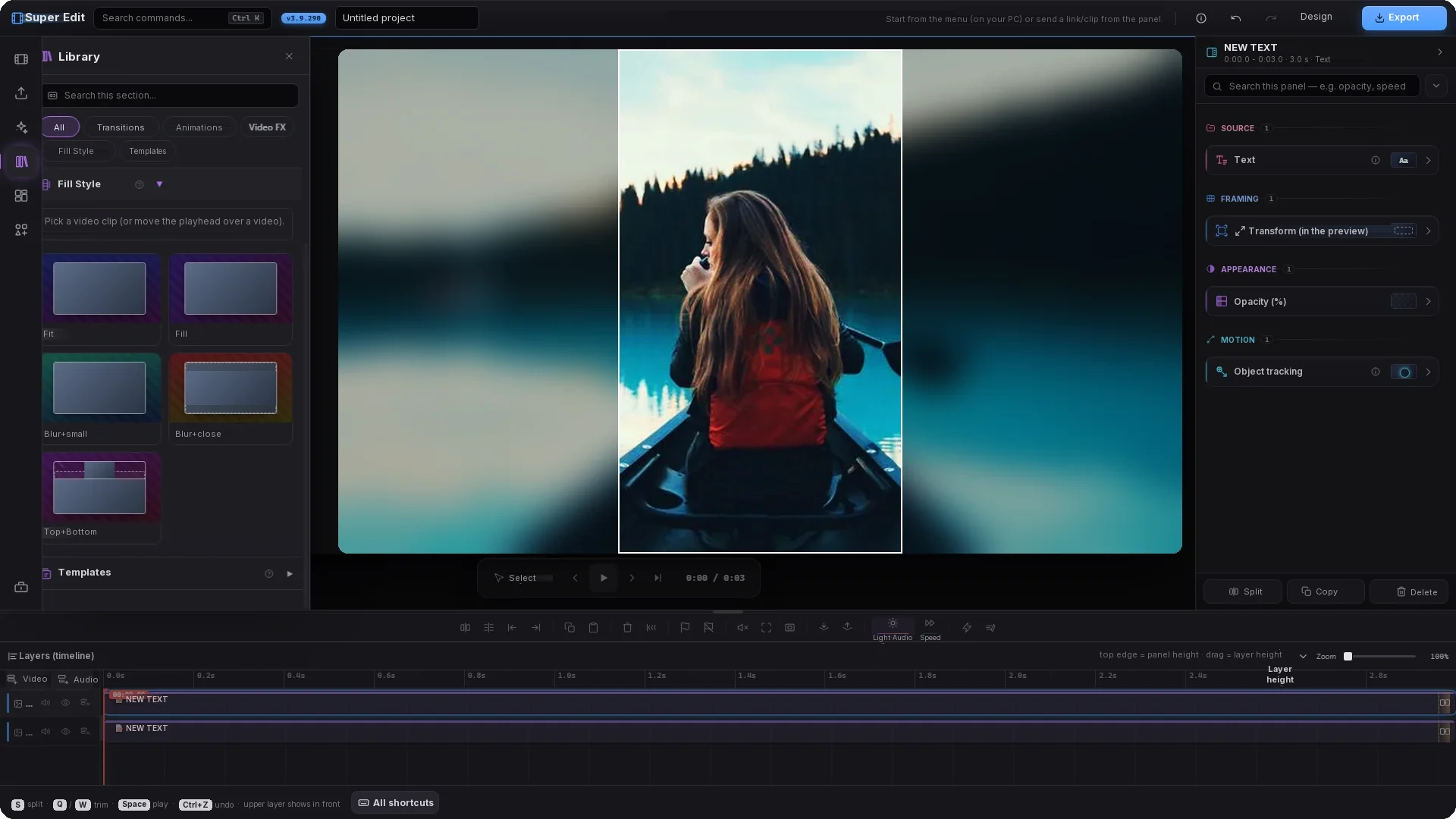
Layout and composition
Split, layer and align clips on a single canvas. Fill the preset however you like: a different clip in each panel, or several crops of the same clip — at 16:9, 1:1, 9:16 or any size you want, with nothing squashed.
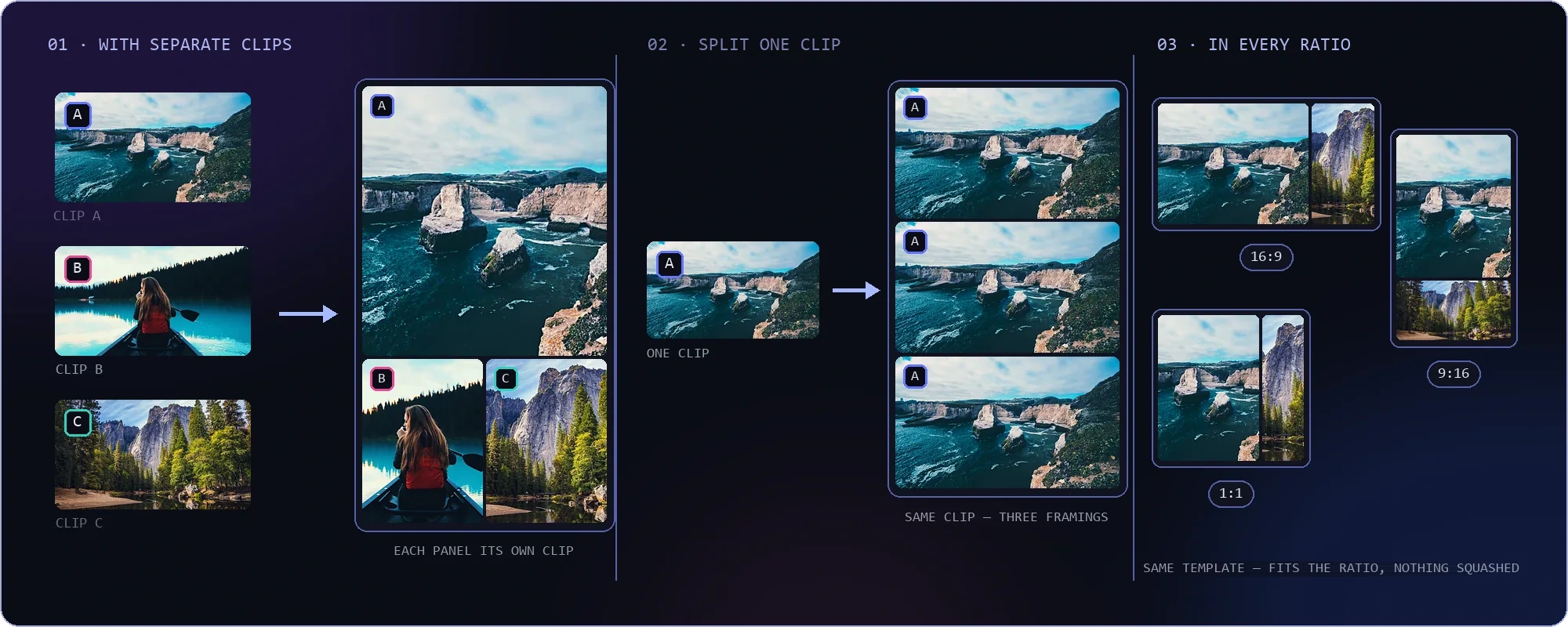
HOW TO FILL A PRESET — SEPARATE CLIPS (A·B·C) · DIFFERENT CROPS OF ONE CLIP · AT ANY RATIO
PICK A READY-MADE PRESET — ALL 10 IN THE APP · SAME CLIPS, TEN DIFFERENT LAYOUTS (9:16)
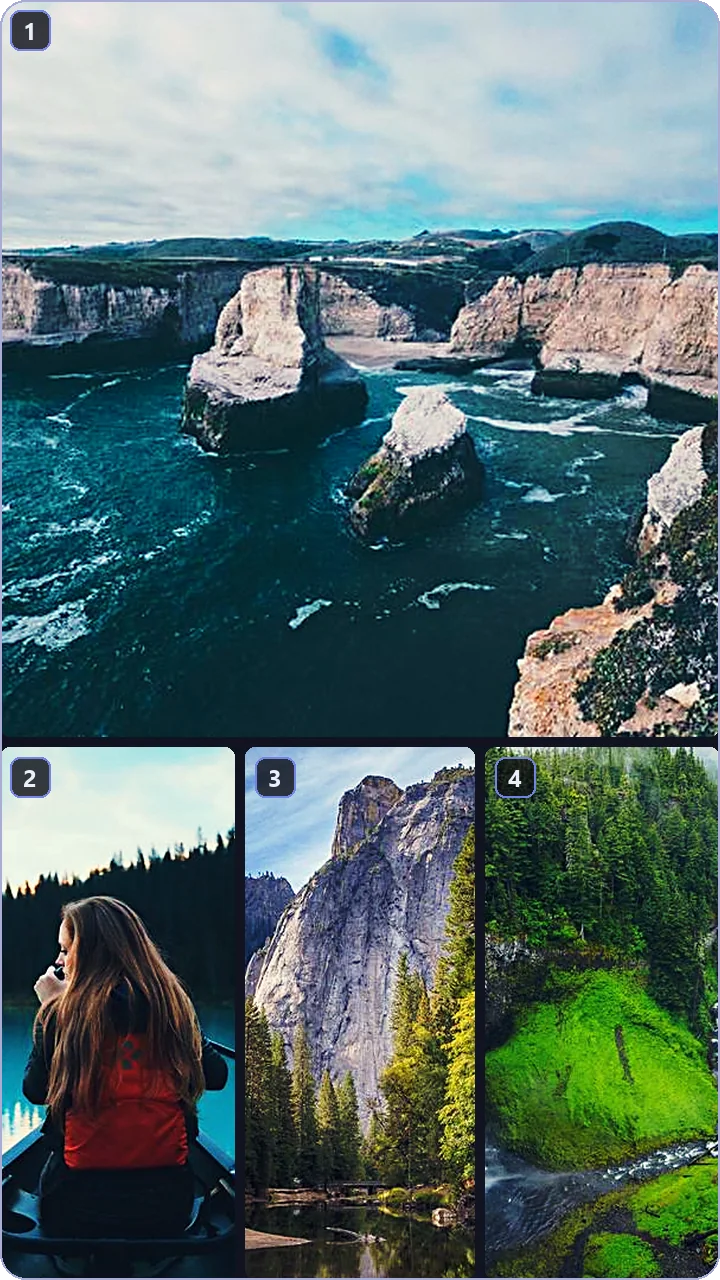
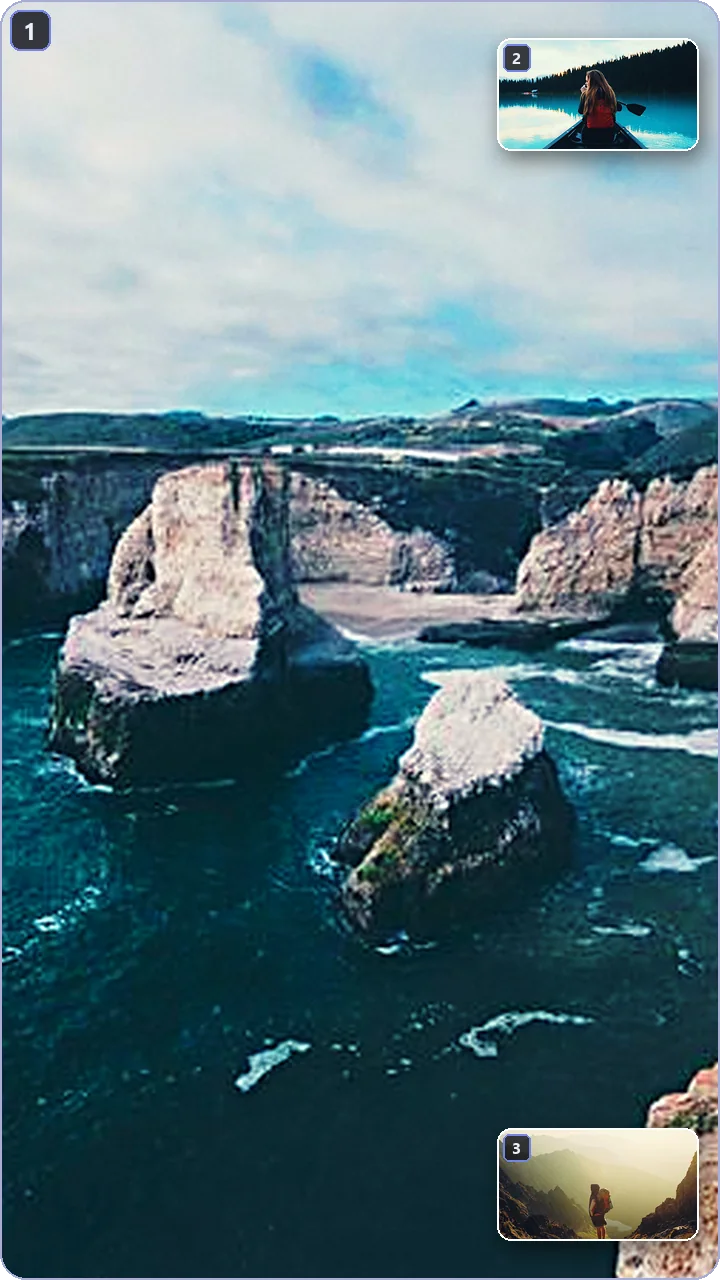
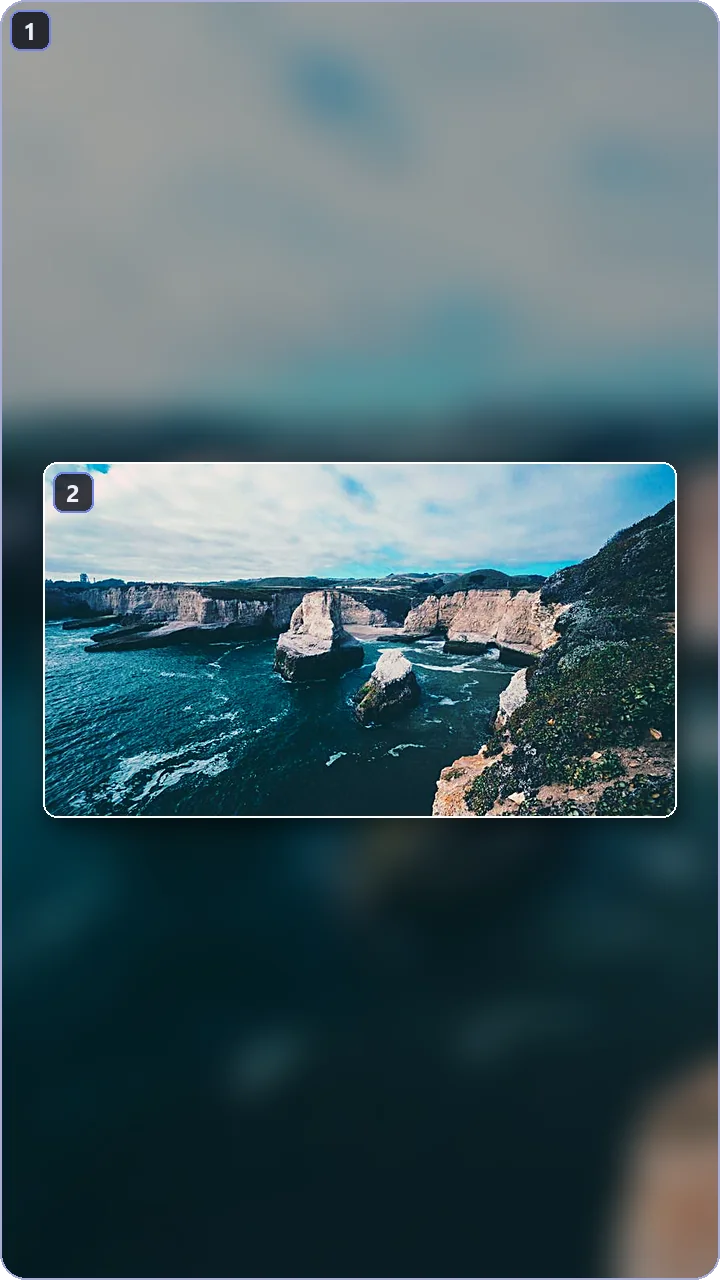
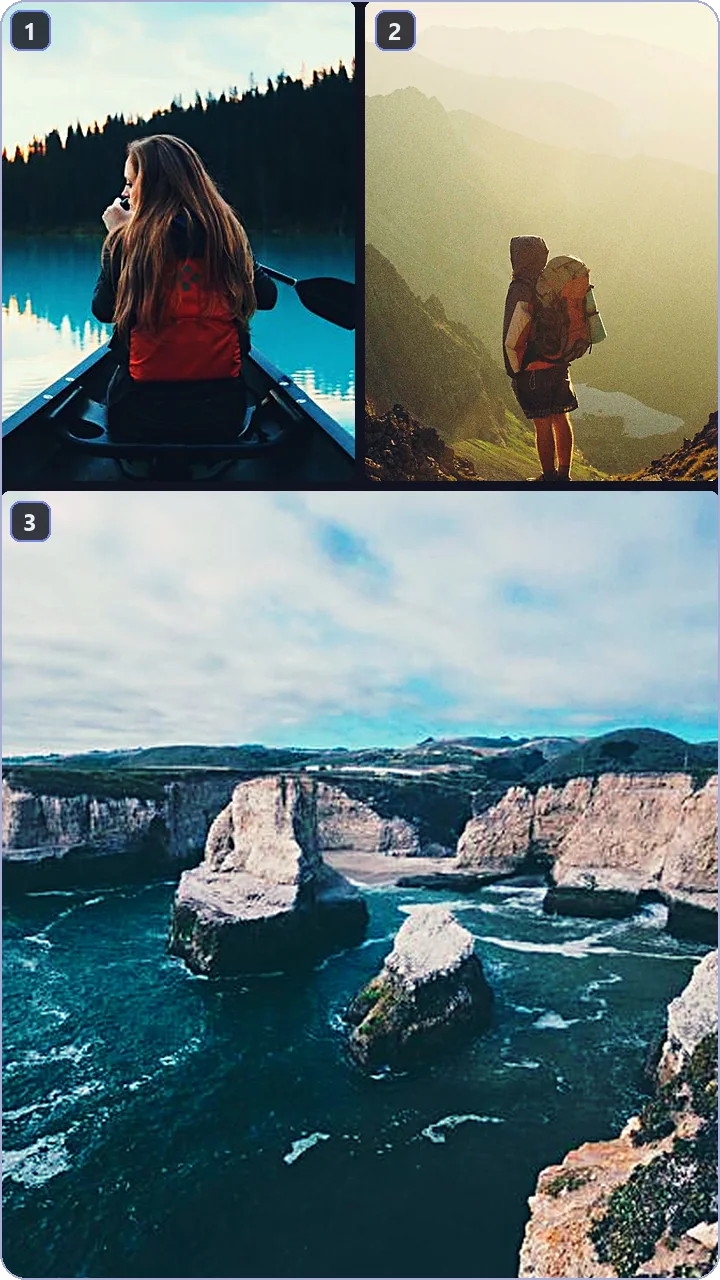
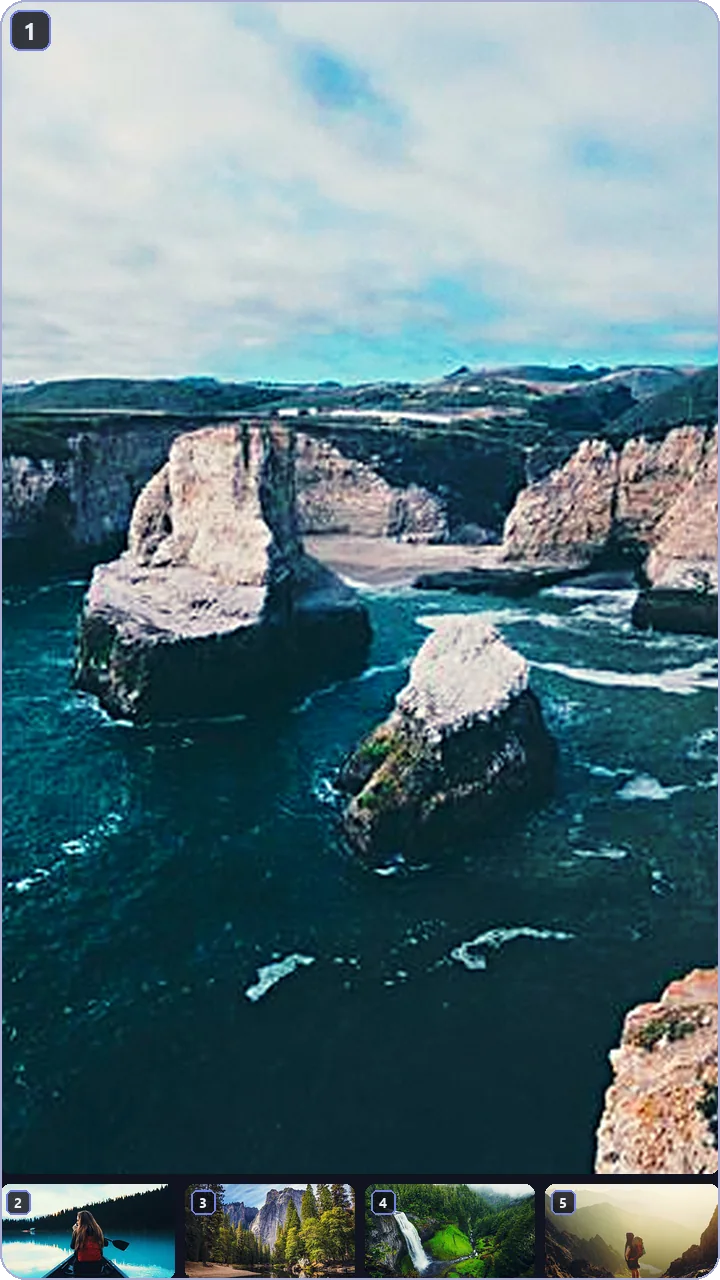
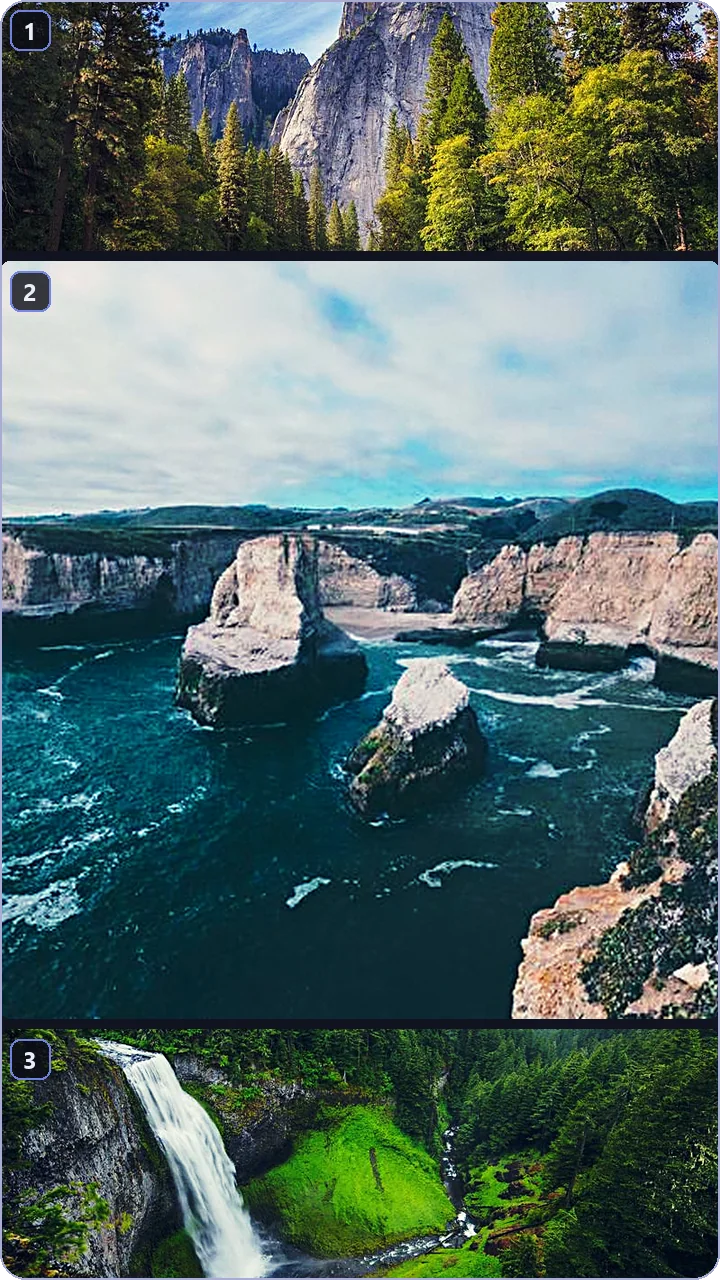
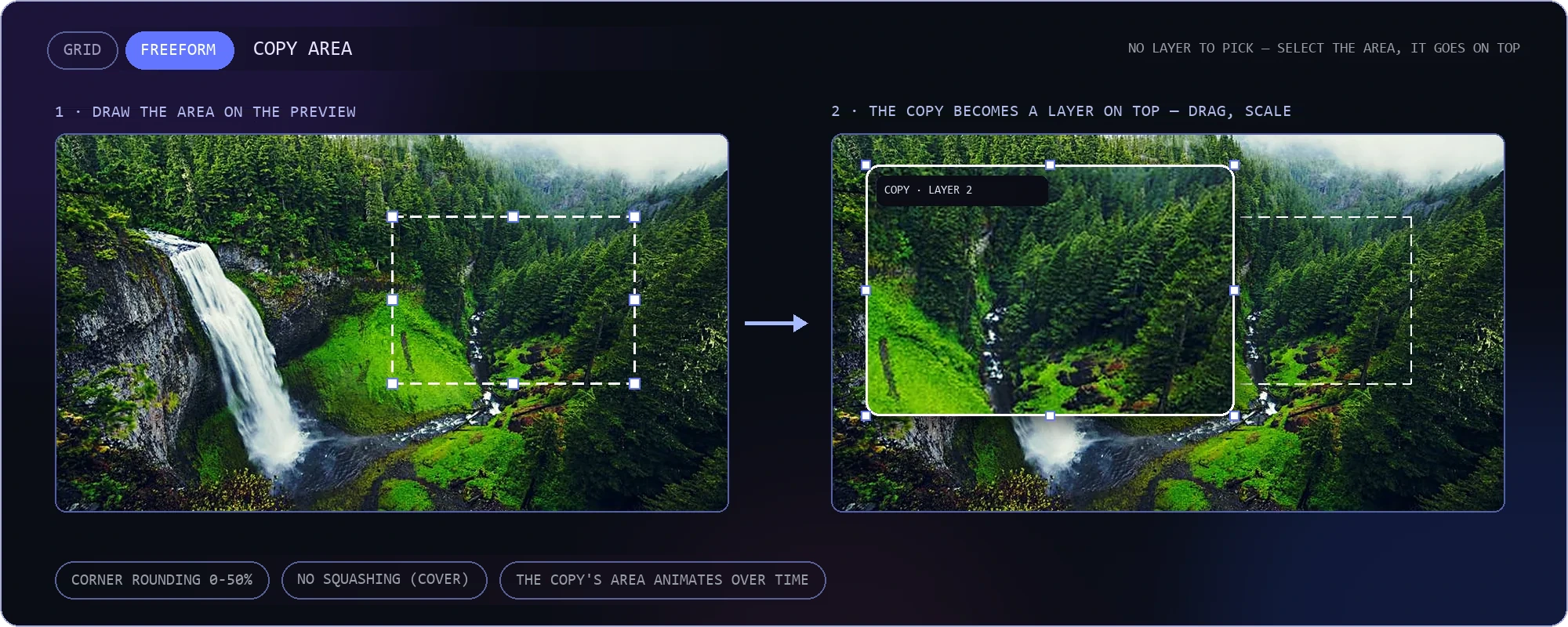
SECOND MODE: FREEFORM — DRAW AN AREA IN THE PREVIEW AND IT IS COPIED ON TOP AS ITS OWN LAYER; DRAG, SCALE, ANIMATE
Draw on top of the video
Arrows, circles and freehand strokes play along with the recording — made for lessons and sports commentary. Every stroke is tied to time: it appears when you want and disappears when its time is up.
In bulk — all at once
Apply a setting to every clip you selected, not just one — subtitles, colour and ratio all queue up in a single pass.
 waterfall_02.mp4✓
 coffee_03.mp4✓
 studio_04.mp4✓
 field_05.mp4✓
Censoring that follows its target
The blur stays on the area you picked even as it moves — a face, a plate, a screen.
Before and after: one chain
Colour, chroma key, blur and glow are applied in order; compare the result instantly with the slider.
Speech calls in the B-roll
«Smart images» finds what the speech is about: a Wikipedia image, an official logo or a 5–10 second clip from YouTube. It lands on the right second by itself — no model, size or length to choose.
It cleans the audio for you
Noise is reduced with one click, and speech is separated from music.
Dubbing and translation — right in the editor
Speech is translated into one of 13 languages and read again in an AI voice; the music and effects stay where they are, and each speaker gets a voice of their own. When you press «APPLY», the «Dubbing & Read aloud» group of Auto Edit dubs every clip or only the selected one, and can burn the dubbed text in as subtitles too. Undo brings the original sound back.
Every text gets a voice
At the end of «APPLY», every text item on the timeline can be read aloud, and each selected text also has a «Voice it» button in the right panel. While a reading plays, the other sounds dip — in the preview and in the exported video.
Search from the editor — video, music, images
Search all three without leaving the edit: new footage, music that arrives as MP3, and images that land on the scene as a layer. The logic never changes — type, preview, and one click drops it into your project.
Ready-made pieces, fine-tuned tools
Hundreds of ready-made items, frames and effects drop into your video with a single drag; the selection, tracking and motion tools let you set every frame exactly the way you want.
From streams to recipes: ready-made items
Alerts, lower thirds, polls, countdowns, news, sport: each one plays live when you hover over it, and the ones you like go into favourites. 53 items attach to object tracking and travel with whatever is being tracked.
Frames that follow the edge
80 frames in the energy, nature, fun and modern packs, 60 of them animated. They sit on the edge of an image, of the area you selected or of an item pinned to the video.
Select an area right to its edge
The pen snaps to edges, «Select by color» gathers matching tones and «Smart select» (SAM 2.1) separates an object with one click. «Follow video» moves the mask with the action and «Invert» affects everything outside the selection.
Track it, let the frame follow
Click or draw a box; track only one range and repair a slip with «Fix». «Center» keeps a gameplay video centred in vertical, and text and images attach to the track and move with the object.
The camera moves, it stays put
First pick a point in the video, then add the text or image. The layer attaches to that point and stays on it even when the picture shifts.
Shape motion with curves
Press Shift+K for a large window where each channel gets its own curve; save the curves you like in «My curves». In «Paths» you keep motion paths and edit their points one by one.
A full design for your text
About 45 motions, 61 styles, 25 outlines and 25 backgrounds, plus a sound effect for the text. The designs you like wait for you in «My designs».
The spoken word lights up
With karaoke the word being read changes colour, fades in or appears on its own; «Highlight numbers» makes figures stand out. Automatic titles write a short title from the speech.
Small jobs, big relief
Drag a file onto the empty screen and line things up with rulers and guides. On a slower computer the light preview helps, and «Relink» rescues a video that was moved.
The rest of the app
Paste the link, pick the section, pick the format — the app handles the rest.
Open 02 Live clip captureCatch the moment you missed without rewinding — the clip lands straight on the editing desk.
Open 04 One link, four outputsSet the app up around your own workflow, so you never repeat the same work twice.
Open 05 Three more editorsBuild your thumbnail, your multi-panel video and your free collage without leaving the app.
Open
Download Weorclip — free
Link downloading, live clip capture and Super Edit — one install, all on your own computer.
Download — Windows 10/1171 MB · WINDOWS 10/11 · NO ACCOUNT NEEDED